
Input Device Definition
In computing, an input Device allows information to be entered into the computer system, either from the user or another computer. These are known as input devices or power supply devices (input)—for example, a keyboard, mouse, or microphone.
The various input devices translate the data into electrical impulses, which are then transmitted to the computer for processing and storage in central or internal memory. These devices are essential because they allow the user to use the computer and interact with it.
Input devices are distinguished from output devices, which are devices that connect to a computer and extract information.
Examples Of Input Device : -
- Keyboard
- Mouse
- Scanner
- Microphone
- Camera
- Magnetic ink Character Reader (MICR)
- Gamepad/joystick
- touch Screen
- Touchpad
- Digital Pen/Light Pen
1. Keyboard

2. Mouse
A mouse is primarily a pointing device that takes the guided motion by the user as an input. It then translates this mechanical movement to a form that is easily understandable to the computer. The shiny red or blue light present underneath a computer mouse is used to calculate its position and locate the coordinates according to which the cursor moves.

3. Scanner
Scanners are everywhere, from the fingerprint scanner on your phone to the document scanner on your office desk, and to the bar code scanner. Scanners make use of casting light on a particular pattern to develop a scanned image. Scanners are input devices that take real-life data, mostly pictures or documents, and convert them into much more complicated machine language. This complicated version is then used to make digital copies of the input data.

4. Microphone
There are various types of microphones available in the market. For example, condenser mic, carbon granule mic, ribbon mic, etc. All of them have their respective working principles. Typically, a microphone converts the vibrational energy to electrical energy. This electrical energy is fed to a computer which produces output through an output device after necessary processing.

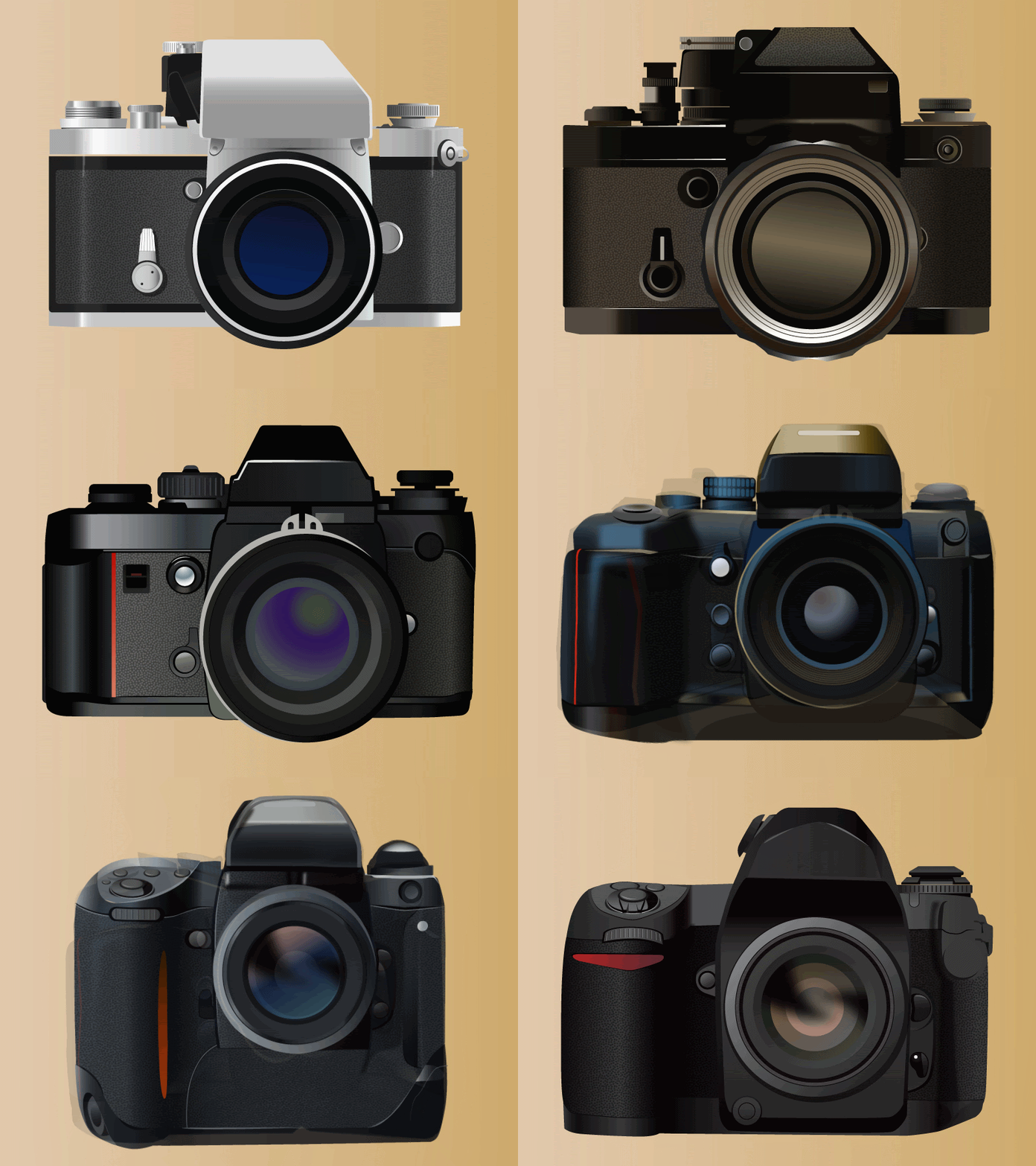
5. Camera
After capturing photos and videos on a digital camera, it can be connected to a computer, and the data can be stored for years. A picture in real life is easy to interpret. When a picture is transferred to the computer hard disk, it gets converted to binary or machine language. Hence, a camera is an input device.
6. Magnetic Ink Character Reader (MICR)
Magnetic Ink Character Reader is the input device that is used to read the characters of MICR code that you generally see at the bottom of a cheque in which it consists of the check number, account number, and bank routing code. MICR code is printed with a special type of magnetic ink that is understandable to the reading device. The reading input device extracts the characters and transfers them to the computer, which then does the necessary processing.

7. Gamepad/Joystick
Gamepad is the chief input device used in almost all video game consoles. These are handheld, compact and multifunctional devices, which are operated mainly by thumbs. Gamepads are similar to joysticks and are designed to provide the user with a next-level gaming experience.

8. Touch Screen
A lot of devices are operated by an interactive touch screen. For example, mobile phones, tablets, laptops, televisions, etc. Touch screens, undoubtedly, are input devices as they translate the user-provided commands into a computer-oriented language.

9. Touchpad
A touchpad serves to be a replacement for a computer mouse. It is usually embedded alongside the keyboard and is operated by a rolling finger over its surface. Two buttons are given adjacent to it that complete the purpose of left and right-click. The touchpad senses the mechanical pressure and motion, and it conveys the message to the processor, which in turn generates the command for the cursor to move accordingly.

10. Digital Pen
A digital pen is an input device that converts the analogue data into digital form. In general, analogue data is something that is easily understandable to the user, and digital data is very comfortably interpreted by the computer.

- Input Device FAQ
1. Is a webcam an input or output device?
A webcam comes with a tiny camera and it is an input device that transmits images in real-time to the computer. It's useful for making video calls, and most laptops have a built-in camera.
2. Is a printer an input device?
A printer is mainly considered an output computer device, often referred to as peripheral hardware alongside devices like scanners and mice. A monitor is likewise an input device. Like many computer hardware, it can be challenging to determine whether a printer is an input or output device.
3. Is a scanner an input or output device?
It's an input device with a light beam that detects light and dark patterns and thus converts a physical image into a digital signal and reproduces documents on the computer. The scanner allows you to digitize documents and photos and is usually part of multifunction printers.
4. Is a speaker an input or output device?
A speaker is an output device. This type of computer output device has been created to make it possible to reproduce sounds and digital audio.
For More Videos : Click On This Link
Computer का जन्म? Hindi Explanation.
If you have any experience, tips, tricks, or query ?You can drop a comment!
Happy Learning!!Vishal Sir


.jpeg)